Product Releases
Stay up to date with the latest Tigerhall product releases,
feature updates, and improvements.
Stay up to date with the latest Tigerhall product releases, feature updates, and improvements.
Web Releases
6.29.0
June 3, 2026
Improvements
You can now download broadcasts and livestreams directly from their details page.
Fixes
Livestream chat: reply threads no longer go missing from the Chat view when scrolled out of view.
Creator Studio: file-upload errors now show a clear, specific message instead of a generic one.
6.28.0
May 29, 2026
Features:
Group History tab — each group now has a History tab showing a daily activity histogram and a paginated event table.
Fixes:Livestream chat — messages no longer vanish unexpectedly, reactions stay on the correct message, and the chat now reliably scrolls to the latest message.
Live broadcasts — resolved several playback regressions.
Pre-recorded broadcasts — no longer replay automatically once they have ended.
Backstage — sessions no longer close when a single host leaves the call.
6.27.0
May 26, 2026
Editing content
Edit published content: admins can now edit content that is already published, via a guided revision flow. You will see the new content page, and edit button, with an edit-mode banner and Publish / Discard controls.
Fixes
AI Video Creation: When any slide has an empty script, the "Generate Video" button is now disabled, with an explanatory tooltip, preventing slideshow generation from getting stuck.
6.26.0
May 24, 2026
Functionality
Hebrew language support available across the platform, with right-to-left text rendering in the transcript reader and editor
Status column on the PDF and External Resource tables in the admin portal is now sortable
Fixes
The slides editor no longer becomes unresponsive after undoing edits back to the start
The Remove button on video previews no longer overlaps the Fullscreen button
6.25.0
May 13, 2026
New Functionality:
Admins can now sort content tables by publication status.
In organizations without the Approval Flow feature disabled, content tables display the publication status (draft, scheduled, published).
Experiences replaced with dedicated content types - livestreams, broadcasts, and events now have a cleaner, more consistent appearance across the app. You'll see tighter tabs, refined search filters, clearer "Join", "Book", and "Start" buttons on content cards, and no duplicate entries when an event and its livestream appear together.
6.24.0
May 12, 2026
New Functionality:
Create Pre-Recorded Broadcasts (with no need to upload video) — admins can now create pre-recorded broadcasts without uploading a video. The cover image is shown on the player while the broadcast isn't yet live.
Custom Attributes on admin Profile — the admin Profile page now shows synced directory attributes (job title, manager, country, etc.), giving you a quick way to see why a user is in a given dynamic group.
Improvements:
Smarter admin landing — visiting
/adminnow goes straight to the admin statistics page instead of a blank index, so you always land on a meaningful screen.
Bug Fixes:
Host names on live event cards— backstage and live event cards on the home page now show host names correctly (previously the host line was empty for backstage and pre-recorded broadcasts).
Approve label capitalization— fixed lowercase "approve"/"approval" in the self-approval button and status badge.
6.23.0
May 6, 2026
Podcast player label updated — "Show Transcript" is now "Show Summary"
6.22.0
May 4, 2026
Features
Cleaner Trail/Action "Select Content" UI — Updated filter set when adding content to a Trail/Action makes selection clearer and faster
Smarter Request Approval flow — When a self-approver requests approval, they're now redirected back to the publish page with auto-publish enabled — no extra clicks
Boolean (true/false) attributes in Dynamic Audiences — Dynamic audience filters now support boolean custom attributes for more precise targeting
Bug Fixes
Broadcast clone fixed — Updating a cloned Pre-Recorded Broadcast no longer fails when the publishedAt is not populated
Interactive forms in Trails — Fixed scroll snapping and the pinned theme toggle when playing interactive forms inside Trails
"Pre-Recorded Broadcast" labels — Capitalization corrected ("R" was lowercase in some places)
Shared links survive login — Opening a shared link while logged out now sends you to the original destination after you sign in
6.21.0
April 28, 2026
Improvements
Block Editor text direction — The Block Editor now flips text direction based on the content’s language, so Arabic / Hebrew / other RTL content renders correctly instead of being forced LTR.
Bug Fixes
One-off scheduled reports stuck in review — In the Report Builder, picking “Once” as the schedule no longer keeps the review step incomplete. The validation correctly treats one-off schedules as complete so you can actually finish and send the report.
6.20.1
April 23, 2026
Improvements
• Trails moved up in the sidebar and search — "Trails" now appears higher in the main sidebar and in the search tabs, making it faster to find and reinforcing Trails as a first-class way to consume content
• Polished admin Statistics chart hovers — Follow-up to last release's chart refresh: hover interactions on the /admin/statistics charts are now smoother and more consistent
Bug Fixes
• Trail completion tag now updates right away — After finishing the last piece of content in a Trail, the completion tag on the Trail detail modal now refreshes immediately instead of showing stale progress
• Theme drawer closes on toggle re-click — Clicking the theme toggle in the sidebar a second time now closes the Light/Dark/System drawer as expected, instead of leaving it open
6.20.0
April 21, 2026
Functionality
Custom user fields & attributes (Backoffice) — Admins can now create and manage custom user fields and attributes from the backoffice, unlocking more flexible audience targeting.
Improvements
Microsoft Teams navigation — Opening the Tigerhall app in MS Teams is faster, and sends the user to the last page they visited instead of the home page.
Content approvals — smarter defaults & bulk actions — The Approvals list now defaults to the “Awaiting Approval” filter, bulk actions are only enabled on rows that can actually be acted on, and approving content is noticeably faster
Refreshed admin Statistics charts — The
/admin/statisticscharts have been rebuilt for a cleaner, more consistent look
Bug Fixes
Tag overflow handling — Long tag labels now truncate with an ellipsis instead of overflowing out of the tag
Power Read downloads for TIPTAP ebooks — The download button on Power Reads authored in our newer TIPTAP format is no longer disabled
Color mode persists across logout — Your chosen light/dark appearance now sticks after logging out (and after cache clears or error recovery), instead of silently resetting
“Go Back to Approvals” on External Resources — The Go Back to Approvals button now works correctly when reviewing External Resource content and closes the player as expected
Microsoft Teams login reliability — Fixed a redirect loop between /msteams and /login, registered Teams lifecycle handlers earlier in startup, and correctly handled the Teams client re-using the app window on navigation
Unexpected logouts — Hardened the auth client against rotating-token race conditions that could occasionally sign users out while the app refreshed credentials in the background
6.19.0
April 16, 2026
Functionality
Generated by filter on admin content pages — Admins can now filter Podcasts, Power Reads, and Videos by whether the content was AI-generated or made by a human
Improvements
Report Builder template indicator — The Report Builder now shows the name of the selected template so admins can confirm what's active
Clearer color-mode menu — Added a "Change Appearance" heading above the light/dark mode options
Sortable admin Statistics table — Column sorting is now available on the admin action Statistics table
Bug Fixes
Group deletion UX: Admins can now click on the rows to update the Affected Topics and Groups while deleting any Group.
Calendar add-to-calendar buttons — "Add to calendar" buttons now render correctly on event pages (a content-security policy was blocking the stylesheet)
Organisation branding on login — Your organisation's custom branding now persists correctly on the login screen after you log out
Unexpected logouts & duplicate messages — Fixed an issue where users could be logged out unexpectedly and see the "You need to be logged in" toast twice in a row
Pulse Survey edit errors — Editing a Pulse Survey no longer fails noisily if the survey has been deleted in another tab
Microsoft Teams login — Fixed a case where the MS Teams login flow broke when an old session token had expired
Web Releases
6.29.0
June 3, 2026
Improvements
You can now download broadcasts and livestreams directly from their details page.
Fixes
Livestream chat: reply threads no longer go missing from the Chat view when scrolled out of view.
Creator Studio: file-upload errors now show a clear, specific message instead of a generic one.
6.28.0
May 29, 2026
Features:
Group History tab — each group now has a History tab showing a daily activity histogram and a paginated event table.
Fixes:Livestream chat — messages no longer vanish unexpectedly, reactions stay on the correct message, and the chat now reliably scrolls to the latest message.
Live broadcasts — resolved several playback regressions.
Pre-recorded broadcasts — no longer replay automatically once they have ended.
Backstage — sessions no longer close when a single host leaves the call.
6.27.0
May 26, 2026
Editing content
Edit published content: admins can now edit content that is already published, via a guided revision flow. You will see the new content page, and edit button, with an edit-mode banner and Publish / Discard controls.
Fixes
AI Video Creation: When any slide has an empty script, the "Generate Video" button is now disabled, with an explanatory tooltip, preventing slideshow generation from getting stuck.
6.26.0
May 24, 2026
Functionality
Hebrew language support available across the platform, with right-to-left text rendering in the transcript reader and editor
Status column on the PDF and External Resource tables in the admin portal is now sortable
Fixes
The slides editor no longer becomes unresponsive after undoing edits back to the start
The Remove button on video previews no longer overlaps the Fullscreen button
6.25.0
May 13, 2026
New Functionality:
Admins can now sort content tables by publication status.
In organizations without the Approval Flow feature disabled, content tables display the publication status (draft, scheduled, published).
Experiences replaced with dedicated content types - livestreams, broadcasts, and events now have a cleaner, more consistent appearance across the app. You'll see tighter tabs, refined search filters, clearer "Join", "Book", and "Start" buttons on content cards, and no duplicate entries when an event and its livestream appear together.
6.24.0
May 12, 2026
New Functionality:
Create Pre-Recorded Broadcasts (with no need to upload video) — admins can now create pre-recorded broadcasts without uploading a video. The cover image is shown on the player while the broadcast isn't yet live.
Custom Attributes on admin Profile — the admin Profile page now shows synced directory attributes (job title, manager, country, etc.), giving you a quick way to see why a user is in a given dynamic group.
Improvements:
Smarter admin landing — visiting
/adminnow goes straight to the admin statistics page instead of a blank index, so you always land on a meaningful screen.
Bug Fixes:
Host names on live event cards— backstage and live event cards on the home page now show host names correctly (previously the host line was empty for backstage and pre-recorded broadcasts).
Approve label capitalization— fixed lowercase "approve"/"approval" in the self-approval button and status badge.
6.23.0
May 6, 2026
Podcast player label updated — "Show Transcript" is now "Show Summary"
6.22.0
May 4, 2026
Features
Cleaner Trail/Action "Select Content" UI — Updated filter set when adding content to a Trail/Action makes selection clearer and faster
Smarter Request Approval flow — When a self-approver requests approval, they're now redirected back to the publish page with auto-publish enabled — no extra clicks
Boolean (true/false) attributes in Dynamic Audiences — Dynamic audience filters now support boolean custom attributes for more precise targeting
Bug Fixes
Broadcast clone fixed — Updating a cloned Pre-Recorded Broadcast no longer fails when the publishedAt is not populated
Interactive forms in Trails — Fixed scroll snapping and the pinned theme toggle when playing interactive forms inside Trails
"Pre-Recorded Broadcast" labels — Capitalization corrected ("R" was lowercase in some places)
Shared links survive login — Opening a shared link while logged out now sends you to the original destination after you sign in
6.21.0
April 28, 2026
Improvements
Block Editor text direction — The Block Editor now flips text direction based on the content’s language, so Arabic / Hebrew / other RTL content renders correctly instead of being forced LTR.
Bug Fixes
One-off scheduled reports stuck in review — In the Report Builder, picking “Once” as the schedule no longer keeps the review step incomplete. The validation correctly treats one-off schedules as complete so you can actually finish and send the report.
6.20.1
April 23, 2026
Improvements
• Trails moved up in the sidebar and search — "Trails" now appears higher in the main sidebar and in the search tabs, making it faster to find and reinforcing Trails as a first-class way to consume content
• Polished admin Statistics chart hovers — Follow-up to last release's chart refresh: hover interactions on the /admin/statistics charts are now smoother and more consistent
Bug Fixes
• Trail completion tag now updates right away — After finishing the last piece of content in a Trail, the completion tag on the Trail detail modal now refreshes immediately instead of showing stale progress
• Theme drawer closes on toggle re-click — Clicking the theme toggle in the sidebar a second time now closes the Light/Dark/System drawer as expected, instead of leaving it open
6.20.0
April 21, 2026
Functionality
Custom user fields & attributes (Backoffice) — Admins can now create and manage custom user fields and attributes from the backoffice, unlocking more flexible audience targeting.
Improvements
Microsoft Teams navigation — Opening the Tigerhall app in MS Teams is faster, and sends the user to the last page they visited instead of the home page.
Content approvals — smarter defaults & bulk actions — The Approvals list now defaults to the “Awaiting Approval” filter, bulk actions are only enabled on rows that can actually be acted on, and approving content is noticeably faster
Refreshed admin Statistics charts — The
/admin/statisticscharts have been rebuilt for a cleaner, more consistent look
Bug Fixes
Tag overflow handling — Long tag labels now truncate with an ellipsis instead of overflowing out of the tag
Power Read downloads for TIPTAP ebooks — The download button on Power Reads authored in our newer TIPTAP format is no longer disabled
Color mode persists across logout — Your chosen light/dark appearance now sticks after logging out (and after cache clears or error recovery), instead of silently resetting
“Go Back to Approvals” on External Resources — The Go Back to Approvals button now works correctly when reviewing External Resource content and closes the player as expected
Microsoft Teams login reliability — Fixed a redirect loop between /msteams and /login, registered Teams lifecycle handlers earlier in startup, and correctly handled the Teams client re-using the app window on navigation
Unexpected logouts — Hardened the auth client against rotating-token race conditions that could occasionally sign users out while the app refreshed credentials in the background
6.19.0
April 16, 2026
Functionality
Generated by filter on admin content pages — Admins can now filter Podcasts, Power Reads, and Videos by whether the content was AI-generated or made by a human
Improvements
Report Builder template indicator — The Report Builder now shows the name of the selected template so admins can confirm what's active
Clearer color-mode menu — Added a "Change Appearance" heading above the light/dark mode options
Sortable admin Statistics table — Column sorting is now available on the admin action Statistics table
Bug Fixes
Group deletion UX: Admins can now click on the rows to update the Affected Topics and Groups while deleting any Group.
Calendar add-to-calendar buttons — "Add to calendar" buttons now render correctly on event pages (a content-security policy was blocking the stylesheet)
Organisation branding on login — Your organisation's custom branding now persists correctly on the login screen after you log out
Unexpected logouts & duplicate messages — Fixed an issue where users could be logged out unexpectedly and see the "You need to be logged in" toast twice in a row
Pulse Survey edit errors — Editing a Pulse Survey no longer fails noisily if the survey has been deleted in another tab
Microsoft Teams login — Fixed a case where the MS Teams login flow broke when an old session token had expired
Web Releases
6.29.0
June 3, 2026
Improvements
You can now download broadcasts and livestreams directly from their details page.
Fixes
Livestream chat: reply threads no longer go missing from the Chat view when scrolled out of view.
Creator Studio: file-upload errors now show a clear, specific message instead of a generic one.
6.28.0
May 29, 2026
Features:
Group History tab — each group now has a History tab showing a daily activity histogram and a paginated event table.
Fixes:Livestream chat — messages no longer vanish unexpectedly, reactions stay on the correct message, and the chat now reliably scrolls to the latest message.
Live broadcasts — resolved several playback regressions.
Pre-recorded broadcasts — no longer replay automatically once they have ended.
Backstage — sessions no longer close when a single host leaves the call.
6.27.0
May 26, 2026
Editing content
Edit published content: admins can now edit content that is already published, via a guided revision flow. You will see the new content page, and edit button, with an edit-mode banner and Publish / Discard controls.
Fixes
AI Video Creation: When any slide has an empty script, the "Generate Video" button is now disabled, with an explanatory tooltip, preventing slideshow generation from getting stuck.
6.26.0
May 24, 2026
Functionality
Hebrew language support available across the platform, with right-to-left text rendering in the transcript reader and editor
Status column on the PDF and External Resource tables in the admin portal is now sortable
Fixes
The slides editor no longer becomes unresponsive after undoing edits back to the start
The Remove button on video previews no longer overlaps the Fullscreen button
6.25.0
May 13, 2026
New Functionality:
Admins can now sort content tables by publication status.
In organizations without the Approval Flow feature disabled, content tables display the publication status (draft, scheduled, published).
Experiences replaced with dedicated content types - livestreams, broadcasts, and events now have a cleaner, more consistent appearance across the app. You'll see tighter tabs, refined search filters, clearer "Join", "Book", and "Start" buttons on content cards, and no duplicate entries when an event and its livestream appear together.
6.24.0
May 12, 2026
New Functionality:
Create Pre-Recorded Broadcasts (with no need to upload video) — admins can now create pre-recorded broadcasts without uploading a video. The cover image is shown on the player while the broadcast isn't yet live.
Custom Attributes on admin Profile — the admin Profile page now shows synced directory attributes (job title, manager, country, etc.), giving you a quick way to see why a user is in a given dynamic group.
Improvements:
Smarter admin landing — visiting
/adminnow goes straight to the admin statistics page instead of a blank index, so you always land on a meaningful screen.
Bug Fixes:
Host names on live event cards— backstage and live event cards on the home page now show host names correctly (previously the host line was empty for backstage and pre-recorded broadcasts).
Approve label capitalization— fixed lowercase "approve"/"approval" in the self-approval button and status badge.
Trusted by Fortune 500 Companies
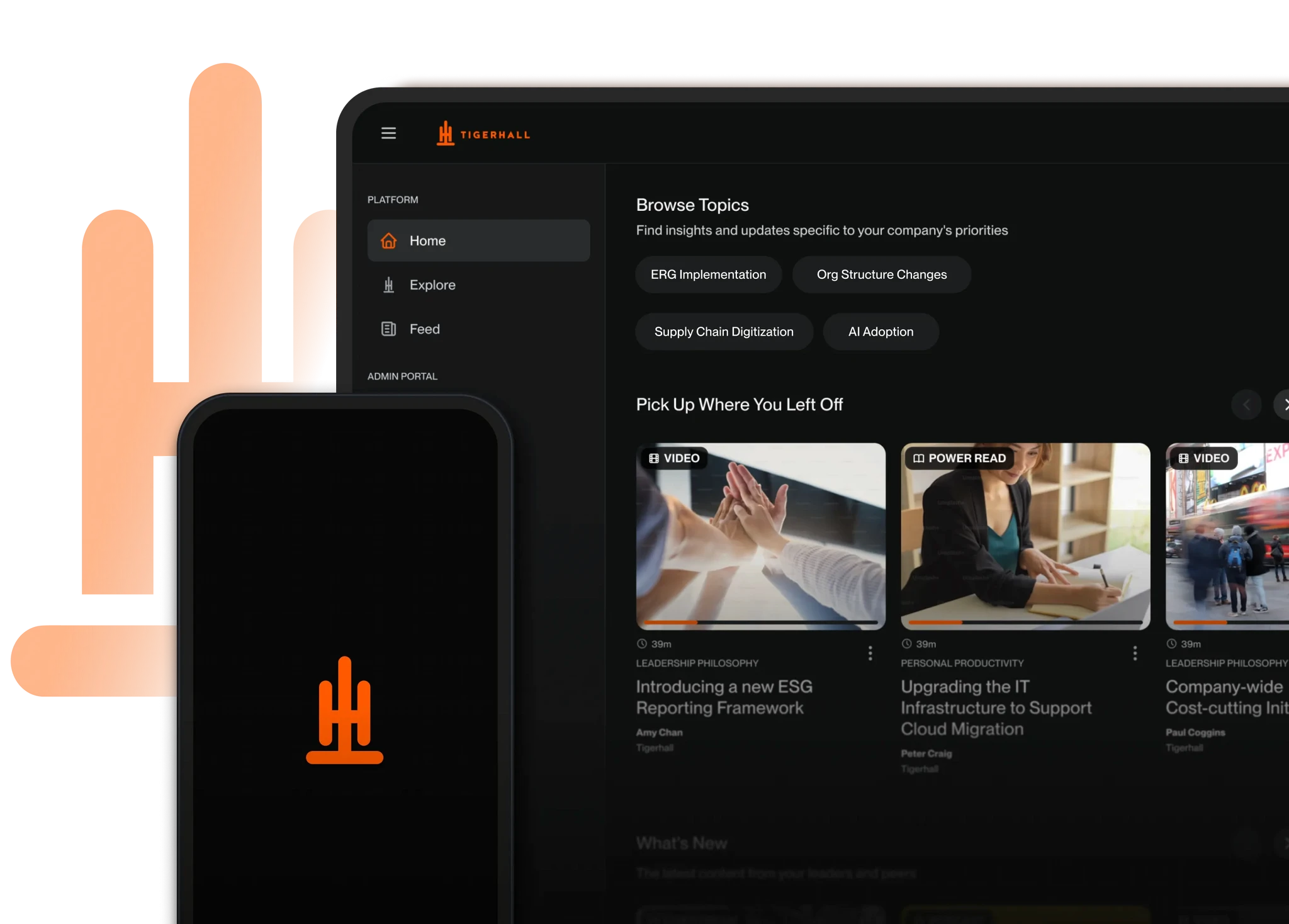
One Platform for All Your Transformation Needs
For one or ten initiatives, stay ahead of market changes with a platform that cuts the time and resources needed to accelerate adoption.
Need more info?
Trusted by Fortune 500 Companies
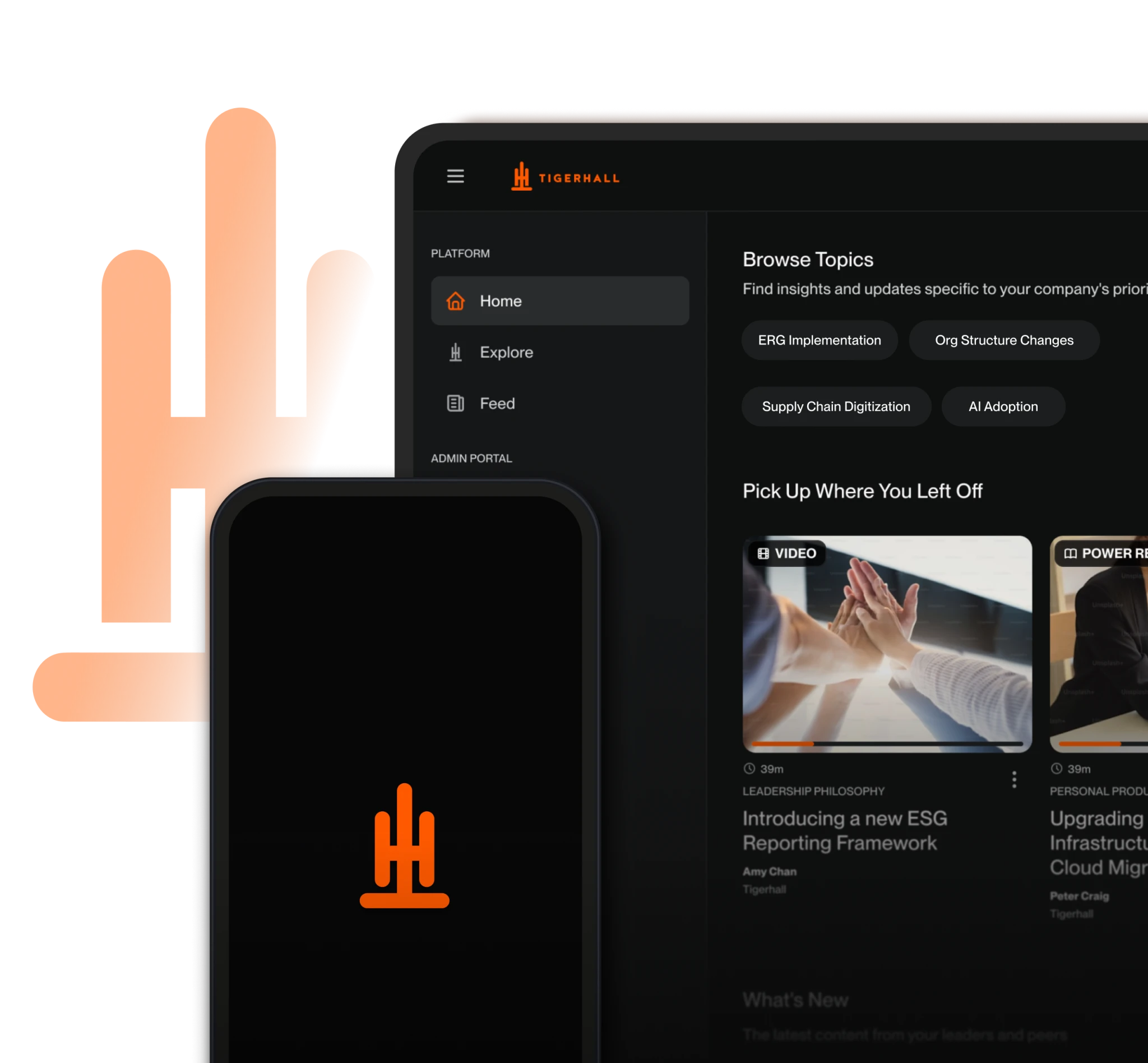
One Platform for All Your Transformation Needs
For one or ten initiatives, stay ahead of market changes with a platform that cuts the time and resources needed to accelerate adoption.
Need more info?
Trusted by Fortune 500 Companies
One Platform for All Your Transformation Needs
For one or ten initiatives, stay ahead of market changes with a platform that cuts the time and resources needed to accelerate adoption.
Need more info?